

Can I use an Ethernet cable for a printer?
May 21, 2025
Yo, what's up everyone! I'm here as an Ethernet cable supplier, and today we're gonna talk about a common question I get a lot: Can I use an Ethernet cable for a printer?
Let's start by breaking down what an Ethernet cable is and what it does. Ethernet cables are those trusty wires that connect your devices to a local network or the internet. You've probably seen them plugged into your router, computer, or gaming console. They come in different types, like Cat5e, Cat6, and Cat6a, each with its own speed and performance capabilities.
Now, let's get to the main question. Can you use an Ethernet cable for a printer? The short answer is yes! In fact, using an Ethernet cable to connect your printer to your network can be a game-changer. Here's why:
Benefits of Using an Ethernet Cable for Your Printer
1. Faster and More Stable Connection
One of the biggest advantages of using an Ethernet cable is the speed and stability it offers. Wi-Fi can be unreliable, especially in areas with a lot of interference. Ethernet cables, on the other hand, provide a direct, wired connection that is much faster and more consistent. This means you can print documents and photos at a much faster rate without any lag or interruptions.
2. Multiple Device Access
When you connect your printer to your network using an Ethernet cable, it becomes accessible to all the devices on that network. This means that multiple users can print documents from their computers, laptops, or tablets without having to physically connect to the printer. It's a great way to share a printer in an office or home environment.
3. Increased Security
Wi-Fi networks are vulnerable to security threats, such as hackers and malware. By using an Ethernet cable, you can reduce the risk of these threats and keep your data safe. Ethernet cables provide a more secure connection because they are not susceptible to the same wireless interference and security vulnerabilities as Wi-Fi.
4. Compatibility
Most modern printers come with an Ethernet port, which means they are compatible with Ethernet cables. This makes it easy to connect your printer to your network without having to worry about compatibility issues.
How to Connect Your Printer Using an Ethernet Cable
Connecting your printer to your network using an Ethernet cable is a fairly simple process. Here's a step-by-step guide:
-
Check Your Printer
Make sure your printer has an Ethernet port. If it does, locate the port on the back of the printer. -
Connect the Ethernet Cable
Take one end of the Ethernet cable and plug it into the Ethernet port on your printer. Then, take the other end of the cable and plug it into an available Ethernet port on your router or network switch.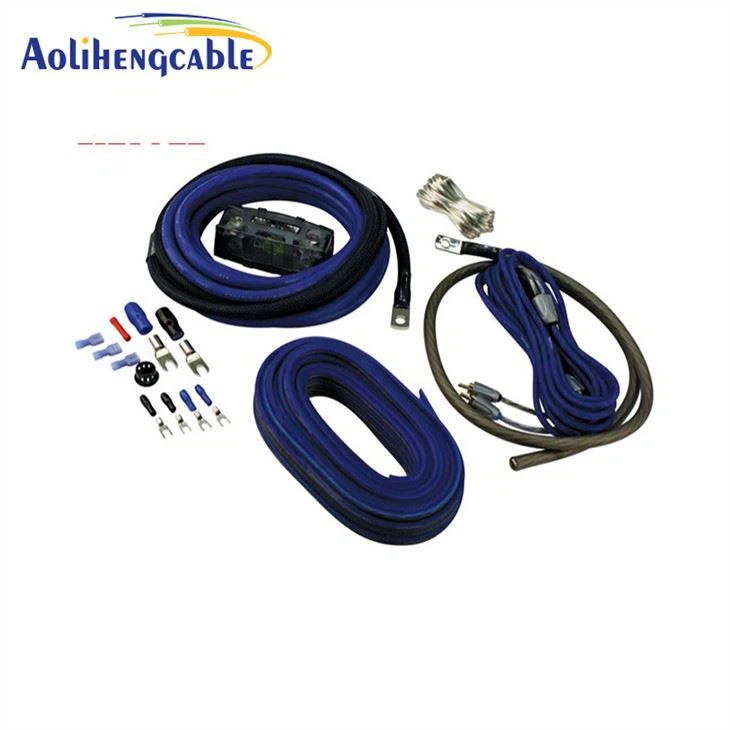
-
Configure Your Printer
Once your printer is connected to the network, you'll need to configure it to work with your network. This usually involves accessing the printer's settings through a web browser or a printer management software. Follow the instructions provided by your printer manufacturer to complete the configuration process. -
Test Your Connection
After you've configured your printer, test the connection by printing a test page. If the test page prints successfully, then your printer is connected to the network and ready to use.
Types of Ethernet Cables for Printers
When it comes to choosing an Ethernet cable for your printer, there are a few things to consider. Here are the most common types of Ethernet cables and their suitability for printers:
1. Cat5e
Cat5e is the most basic type of Ethernet cable. It supports speeds of up to 1 Gigabit per second (Gbps) and is suitable for most home and small office networks. If you have a printer that doesn't require high-speed printing, then a Cat5e cable should be sufficient.
2. Cat6
Cat6 is a higher-quality Ethernet cable that supports speeds of up to 10 Gbps. It is more expensive than Cat5e, but it offers better performance and less interference. If you have a printer that requires high-speed printing or if you have a large network with multiple devices, then a Cat6 cable is a better choice.
3. Cat6a
Cat6a is the latest and most advanced type of Ethernet cable. It supports speeds of up to 10 Gbps over longer distances and offers even better performance and less interference than Cat6. If you have a printer that requires high-speed printing over long distances or if you have a very large network with multiple devices, then a Cat6a cable is the best choice.
Our Ethernet Cable Products
As an Ethernet cable supplier, we offer a wide range of high-quality Ethernet cables that are suitable for printers and other devices. Here are some of our popular products:
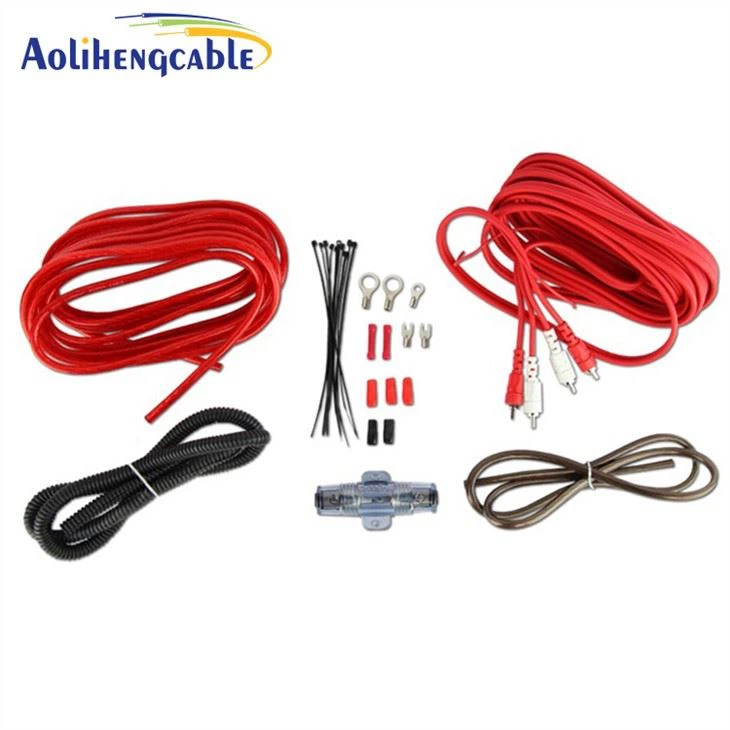
- Car Audio Wiring Kit: This kit includes everything you need to connect your car audio system to your network. It comes with a high-quality Ethernet cable and all the necessary connectors.
- UTP Outdoor Cable: This cable is designed for outdoor use and is resistant to weather and environmental conditions. It is suitable for connecting your printer to a network in an outdoor environment.
- UTP Indoor Cables: These cables are designed for indoor use and are available in different lengths and colors. They are suitable for connecting your printer to a network in an indoor environment.
Conclusion
So, to answer the question, yes, you can definitely use an Ethernet cable for a printer. It offers faster and more stable connections, multiple device access, increased security, and compatibility with most modern printers. If you're looking to upgrade your printer's connectivity or if you're setting up a new network, consider using an Ethernet cable.
If you're interested in purchasing Ethernet cables for your printer or other devices, feel free to reach out to us for more information. We're here to help you find the right cables for your needs and provide you with the best possible service.
References
- "Ethernet Cable Basics." Cisco Systems.
- "How to Connect a Printer to a Network Using an Ethernet Cable." HP Support.
- "Choosing the Right Ethernet Cable for Your Network." Belkin.